
AI automation for small business can help with repetitive work, but adopting a tool is not the same as improving a process. A careful approach starts with a task that is routine, has clear inputs and outputs, and can be checked by an employee. Then measure whether the process actually improves before expanding its use.
The goal is not to automate everything. It is to find a limited, useful role for AI while keeping control of business data and decisions that need human judgment.
Which business tasks are good candidates for AI?
Look for work that happens repeatedly and follows recognizable steps. AI may be useful when it can help an employee draft, sort, summarize, or find information, and when mistakes are visible and correctable before they affect a customer or business decision.
- Customer service preparation: Drafting answers to common questions, sorting incoming requests by topic, or summarizing a conversation for an employee to review. Keep a person responsible for customer-facing responses, especially when a request is unusual or sensitive.
- Marketing support: Creating a first draft of a routine announcement, organizing content ideas, or adapting approved material for different channels. Employees should verify accuracy, tone, and any claims before publishing.
- Document processing: Extracting details from standard forms, grouping documents, or preparing summaries for review. Confirm the source document and check important fields rather than assuming an AI-generated result is correct.
- Internal knowledge and administration: Summarizing meeting notes, helping staff locate information in approved materials, or drafting routine internal communications. Keep access limited to information each employee is allowed to see.
- Data entry and workflow support: Suggesting categories, flagging missing information, or moving routine requests into a review queue. Start with recommendations rather than allowing a tool to make irreversible changes on its own.
These are possibilities, not automatic recommendations. A task that seems repetitive may still depend on context, trust, or careful judgment. The Small Business Administration’s AI guidance can help owners think through potential uses and practical considerations.
Screen the task before choosing a tool
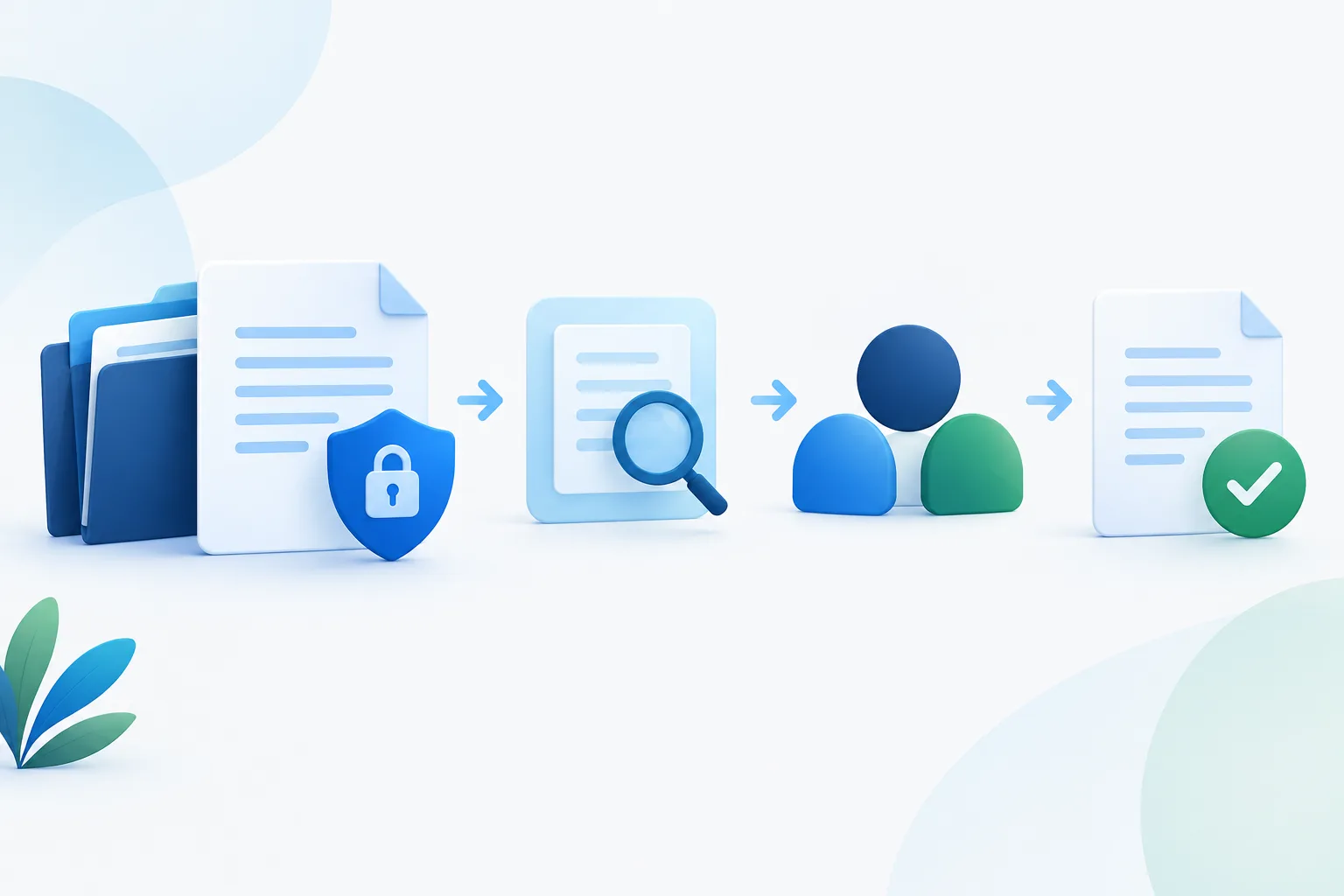
Before a pilot, write down what the process does today and what you want to improve. Then consider the task’s repetition, volume, input quality, error impact, and need for human judgment. A task is a stronger candidate when instructions are consistent, the information is suitable for the tool, and an employee can spot a bad result.
Be cautious when errors could have serious consequences for a customer, employee, business record, or important decision. Do not start by handing an AI tool authority to approve, deny, publish, send, or change something consequential without review. For those workflows, AI may be useful as an assistant, but a responsible person should retain decision-making authority.
Also be realistic about the process itself. If employees follow different steps or the source information is often incomplete, automation may reproduce the confusion rather than resolve it. Clarify the workflow first, and decide how staff can correct errors or handle exceptions.
Protect business data before entering it
Make data handling part of the go-or-no-go decision, not an afterthought. Identify exactly what information the tool would receive, who can access it, and whether the task can be tested using public, synthetic, or de-identified information instead.
Before using a provider, review its terms and settings. Understand how submitted information is stored, who may use it, whether it can be used to improve models, and how it can be deleted. Confirm access controls and avoid giving a tool broader access to files or systems than the task requires. Employees should know which information is approved for use and where to ask if they are unsure.
For businesses with sensitive customer, employee, or operational information, check whether the proposed use fits applicable internal policies and sector-specific obligations. If the answer is unclear, pause and seek qualified guidance. Zevonix also shares practical steps for protecting business systems and information.
Run a small pilot and compare it with a baseline
A small-business AI pilot should be narrow enough to supervise. Choose one workflow, a defined group of users, and a limited set of approved information. Keep the existing process available so staff can verify results and return to the prior approach if the tool creates problems.
Before the pilot begins, record how the process works without AI. Use measures that fit the task, such as:
- Cycle time: How long it takes to complete the task from start to finish.
- Staff time: How much employee effort goes into creating, checking, correcting, and completing the result.
- Accuracy and rework: How often outputs need correction, are incomplete, or must be redone.
- Customer or employee outcomes: Whether the process feels clearer, more timely, and useful to the people it serves.
- Exceptions and overrides: How often the tool cannot handle a request or an employee rejects its suggestion.
- Total cost: Include tool fees, setup, training, integration, review, and correction effort when judging the result.
Compare pilot results with the baseline, not with a vague expectation that AI should save time. A shorter drafting step may not improve the whole workflow if checking and fixing the output takes longer. Likewise, faster processing is not a win if accuracy or customer experience declines.
Set decision criteria before the pilot, including what would count as an acceptable result, what errors require a pause, and who can stop the test. Keep a record of errors, employee overrides, and feedback. The NIST AI Risk Management Framework measurement guidance offers a structured way to think about evaluating AI risks and performance.
Expand only when results and safeguards hold up
If the pilot meets its goals, review whether the same safeguards will work for a broader group or a different type of information. Expansion may introduce new access needs, more varied requests, or less predictable outcomes. Recheck the data, user permissions, review steps, and exception process each time the use changes.
Keep a human review step where the output affects customer commitments, important records, public communications, or other consequential decisions. Make it easy for staff to flag questionable output and report recurring issues. A tool’s results should remain reviewable, and employees should know when not to rely on them.
AI can assist with customer service, marketing, data entry, and document processing, but the right arrangement depends on the task and its risks. The NIST profile for generative AI provides additional context for identifying and managing risks associated with these tools. For related planning around protecting business information, see this guide to business data protection.
Frequently asked questions
Which tasks should still require human review?
Keep review for outputs that could materially affect a customer, employee, business record, or consequential decision. Human review is also important when requests are unusual, the source information is uncertain, or an error would be difficult to reverse.
How can a small business test AI before expanding its use?
Choose one narrow workflow, establish a baseline, use limited approved information, and retain the existing process as a fallback. Track results and exceptions, then expand only if preset performance and data-handling criteria are met.
What should a business track during an AI pilot?
Compare cycle time, staff effort, accuracy, rework, customer or employee outcomes, exceptions, and total costs with the process before AI. Include the time spent reviewing and correcting results.
How can a business reduce the risk of exposing sensitive data?
Decide what information may enter the tool, verify provider terms and settings, limit access, and use less-sensitive test data when possible. Make approved-use guidance clear to employees and pause when data-handling requirements are uncertain.
Start with a task you can supervise
AI automation is worth considering when a specific workflow has a clear purpose, measurable results, and safeguards that match its risks. Start small, preserve human oversight, and use evidence from the pilot to decide what comes next. If you want help assessing AI alongside your business IT environment, contact Zevonix at (904) 658-0777. Zevonix provides managed IT and managed AI services for businesses.