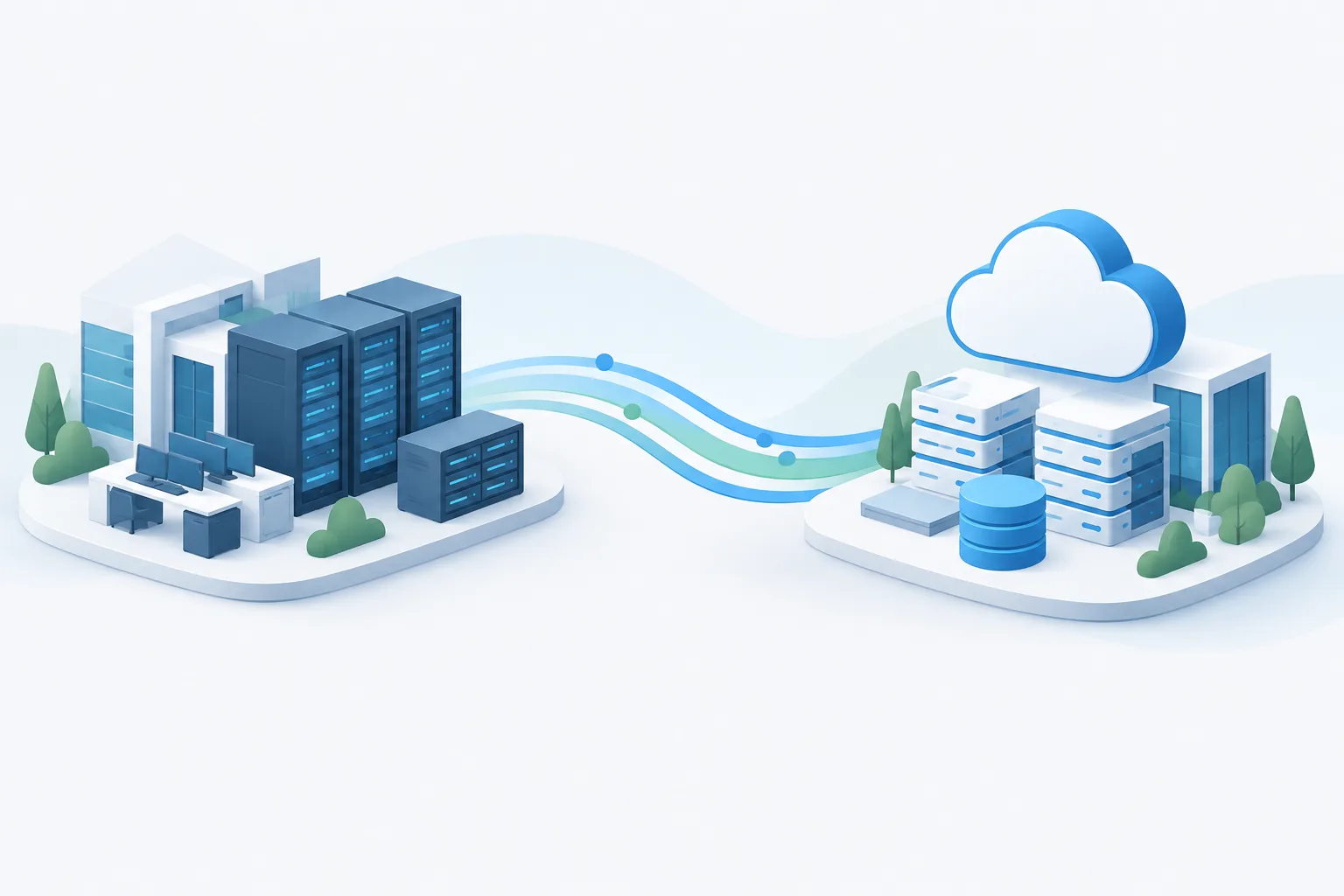
To reduce downtime during email or server migration, plan the order of work, define how the cutover will be tested, and decide in advance what would trigger a rollback. The goal is not simply to switch systems quickly. It is to make the change in a controlled way, while knowing how to protect data created in either environment.
That preparation matters whether a business is moving mailboxes, applications, files, or an entire server workload. Microsoft’s guidance recommends organizing migration work into planned groups and coordinating the people and tasks involved. See its migration planning guidance when shaping the project sequence.
Start with owners, dependencies, and a workable sequence
Before choosing a cutover window, identify the systems and business processes that depend on the environment being moved. A server may support an application, shared files, scheduled tasks, or access from other systems. Email changes can affect user sign-in, calendars, mobile devices, shared mailboxes, and automated messages. A dependency that is missed during planning can become an outage during the switch.
Assign a technical owner for the migration and a business owner who can judge whether the affected work is operating acceptably. Agree on who can approve the cutover, who can call for rollback, and who will communicate with employees. Include a support contact for users who cannot sign in or access essential work.
Choose a sequence based on how closely systems are connected and how much disruption the business can tolerate. A phased approach can make it easier to test a representative workload before moving others, but it requires clear boundaries between old and new environments. Moving everything in one planned window may be appropriate when systems are tightly coupled, but concentrates the change and validation work. A parallel or blue-green approach can preserve a path back, though it requires careful control of which environment is accepting new changes.
There is no universally right sequence. Review how to prioritize workloads for a cloud move alongside dependencies, business hours, staffing, and the cost of running environments in parallel. For more on coordinating migration work, consult Microsoft’s guidance on migration wave planning.

Write the cutover runbook before the change
A migration runbook gives the team a shared sequence to follow, rather than relying on memory or improvised decisions. Keep it specific to the systems being moved and include:
- Readiness checks: Confirm that the target environment is configured, access has been tested, required data is present, and the migration team knows how to reach the relevant systems.
- Cutover actions: Record the order for pausing changes, completing synchronization, redirecting users or traffic, and testing the services that matter to the business.
- Decision authority: Name the person who can proceed, pause, or call rollback, and make sure that person is available during the change.
- Failure triggers: Define observable conditions that mean the migration should stop. These might include failed sign-in, missing or inconsistent data, a critical application not working, or a problem that prevents essential work.
- Validation and communication: Specify who checks each key workflow and how users will receive status updates and instructions.
For each check, write down what a healthy result looks like and who records it. Avoid relying on a vague instruction such as “confirm everything works.” Instead, identify the business tasks that must succeed, such as sending and receiving email or opening and saving a required file.
Protect data that changes during the migration
Data synchronization is not only a pre-cutover task. It is also a rollback concern. If users create messages, files, or application records in the new environment, switching back to the original environment does not automatically move those changes with them. A DNS change, by itself, does not reconcile data.
Decide how changes will be handled before opening the new environment to normal work. Options depend on the system and migration method, but the runbook should explain how to pause or limit writes, capture changes made after cutover, and reconcile them with the environment being restored. Use a method supported by the systems involved and verify the result before resuming normal work.
For email, consider that messages may be delivered to different destinations while routing changes take effect. The team should know how it will check both environments for new mail and how any messages that arrived in the old mailbox will be accounted for. For servers and applications, identify which users or processes can write new data, and how those changes will be preserved if the team returns to the source.
Confirm that backups or recovery points are available and that the people responsible know how to use them. A backup is part of the safety plan, but it is not a substitute for understanding which system is authoritative during cutover. Zevonix’s guide to business data backup planning can help frame those protection questions.
Reduce disruption during an email cutover
Before changing mail routing, test account access and essential mail functions in the target environment. Prepare user instructions for sign-in, mobile devices, and any shared resources that may be affected. Make sure employees know where to report a problem and that support coverage is available during the cutover and its immediate follow-up.
DNS caching can mean that mail does not switch destinations for every sender at the same moment. For the documented Exchange cutover, Microsoft recommends lowering each MX record's TTL to 3,600 seconds or less before migration to help reduce mail-routing delays: Microsoft’s Exchange cutover guidance. Treat that as guidance for the documented Exchange method, not as a universal setting for every email platform or migration. Confirm the right approach for the provider and DNS configuration in use.
After the routing change, test sending and receiving from relevant accounts and check for messages that may still be reaching the previous destination. Keep a record of what was tested and any issues still under review. Microsoft also outlines the execution and validation stage in its cloud migration execution guidance.
Make rollback a controlled process
Rollback should be a prepared route to a known working state, not just a decision to undo the last visible change. The plan should specify:
- Which failure conditions require a pause or rollback, and who has authority to make that call.
- The sequence for redirecting users or traffic to the original environment.
- How the team will handle new data created in the target environment, including messages, files, or application updates.
- What checks will confirm that service is healthy again, such as sign-in, key workflows, and data consistency.
- How users will be told what changed and where to work while the issue is resolved.
Do not assume that reversing DNS alone returns email to a safe state. Cached routing information may continue to send some messages to the new destination, and messages already delivered there still need to be accounted for. Before switching users back, confirm how new and in-flight mail will be collected or reconciled. For server applications, establish which copy of the data is authoritative before allowing users to resume changes.
Keep the old environment available until the team has completed the agreed validation and resolved the data-handling questions. The appropriate retention period depends on the system, migration method, business needs, and recovery plan. Set the retirement condition in advance, rather than decommissioning the source simply because the new environment appears to be working.
Frequently asked questions
How can a company minimize downtime during an email migration?
Test the target environment, prepare user instructions and support coverage, plan the mail-routing change, and validate sending and receiving after cutover. Also decide how the team will find and reconcile mail that reaches either environment during the transition.
What should a migration rollback plan include?
Include clear failure triggers, the person authorized to call rollback, the order of actions, data reconciliation steps, user communications, and checks to confirm service is healthy after returning to the original environment.
When should a company roll back a server migration?
Use the failure conditions agreed in the runbook. A critical workflow that cannot be restored within the planned response, missing or inconsistent data, or a serious access problem may warrant pausing or rolling back, depending on business impact and the recovery options available.
How far in advance should a company lower DNS TTL before changing MX records?
For the documented Exchange cutover, Microsoft recommends lowering each MX record's TTL to 3,600 seconds or less before migration. Confirm timing and settings for the specific email provider and DNS setup.
How long should the old server stay available?
Keep it available until the team has confirmed the new service is functioning, reconciled any changes made during cutover, and met the retirement conditions in the migration plan. The right duration depends on the workload and recovery requirements.
Plan the way forward before cutover
A well-run migration has a defined sequence, clear owners, tested success criteria, and a rollback path that accounts for data created after the switch. Zevonix provides cloud services and migration, IT consulting and strategy, and support for businesses in St. Johns County. Review cloud migration considerations, then contact Zevonix at (904) 658-0777 to discuss planning a migration for your business.